
Content first. Format second. Always.

Office workers spend 31% of their time in MS Office on formatting. That's more than a day a week spent on fonts and margins instead of thinking.
The real problem is not the formatting itself. It's that people open Word or PowerPoint before the content is even clear. The blank page becomes a design project before a single useful sentence is written.
The fix is simple: separate writing from formatting.
For documents:
- Write in a plain text editor first
- No formatting options means no formatting distractions
- Get the content right, then paste into your Word template
- The template handles the formatting for you
For presentations, the same logic applies. Write the presentation before you open PowerPoint. The words are the thinking. Get the thinking clear first.
Then, when you do open PowerPoint (or Keynote or whatever you use), that text becomes your presenter notes, not bullet points plastered across the slides. The slides should be visual. The words live in the notes.
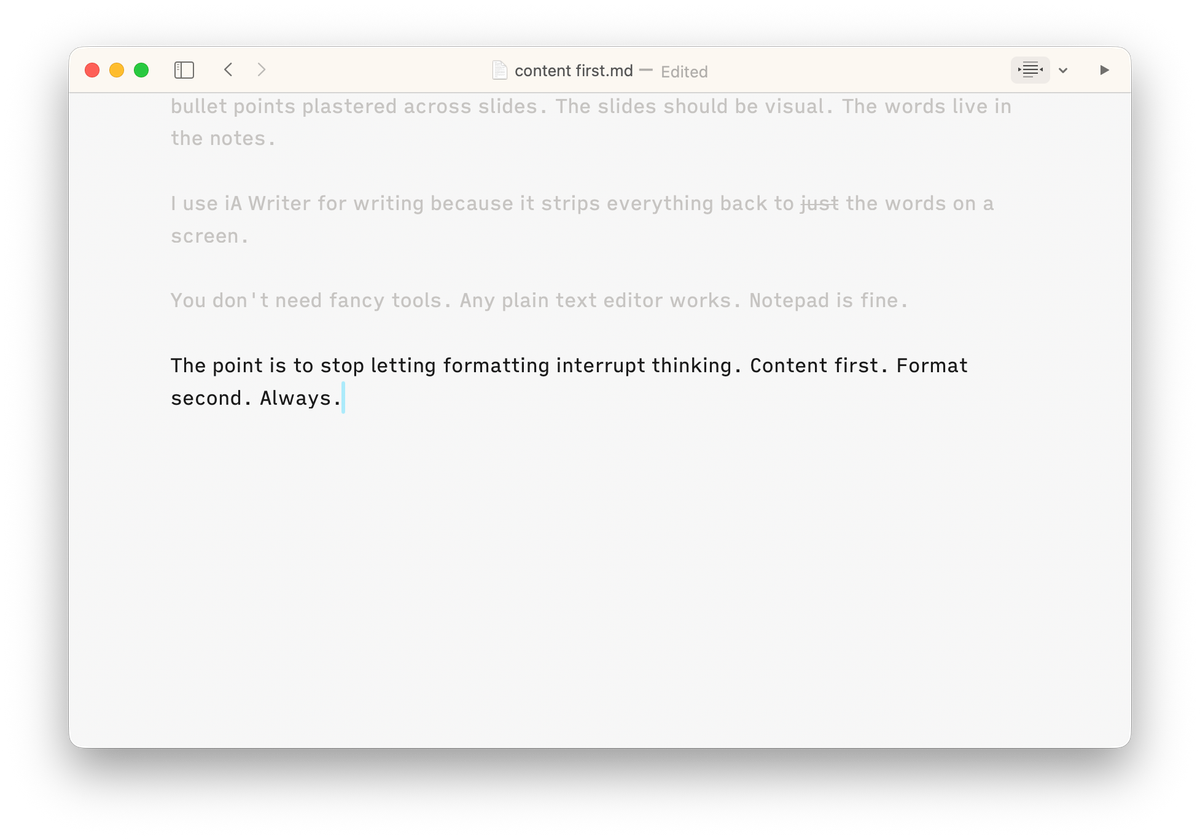
I use iA Writer for writing because it strips everything back to just the words on a screen.
You don't need fancy tools. Any plain text editor works. Notepad is fine.
The point is to stop letting formatting interrupt thinking. Content first. Format second. Always.